

The Switch Tenant feature enables the users to work on multiple Tenants simultaneously. This is only applicable to the users who have access to more than one Tenant.
To Switch Tenant:
On the Quick Action Bar, click SWITCH TENANT.
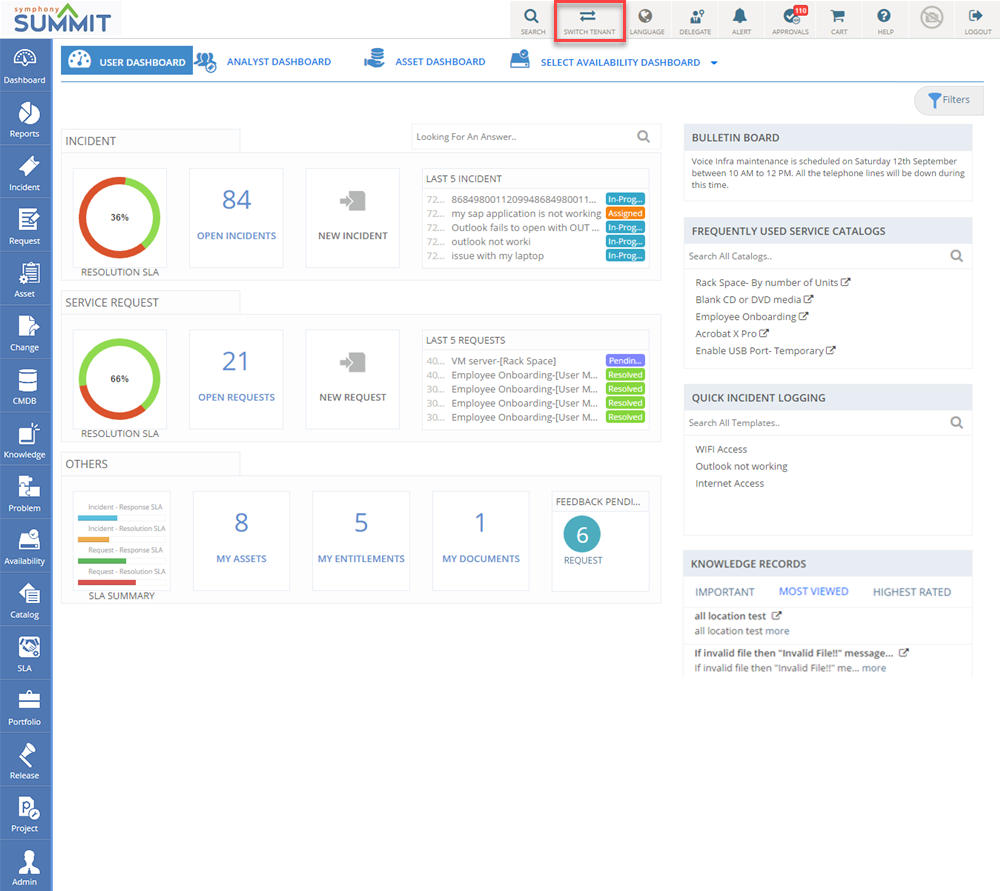
Figure: Switch Tenant tab
All the configured tenants for the Domain are displayed in the Tenant drop-down.
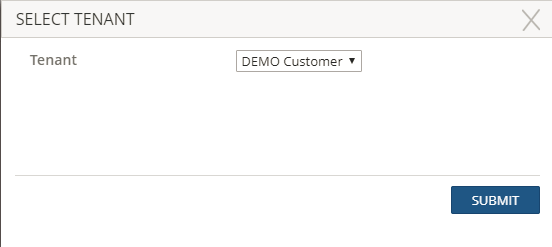
Figure: Select Tenant pop-up page